
FabFilter Simplon online help
Table of contents
Go to sectionFabFilter Simplon Help
Introduction
Using FabFilter Simplon
Presets
Purchasing FabFilter Simplon
Support
Scaling
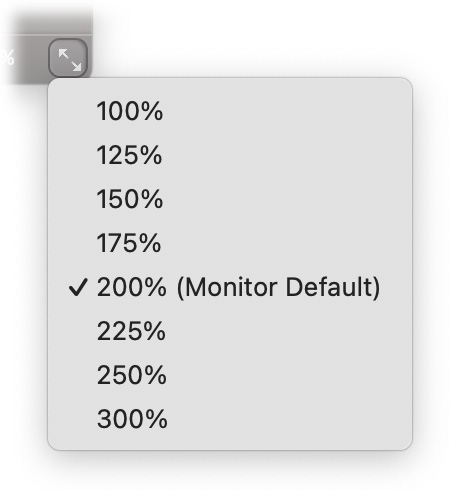
The Scaling menu lets you increase or decrease the interface scaling relative to the system default, e.g. 150% (smaller) or 300% (larger) on Retina monitors (that have a 200% scaling by default).
Tips
- The scaling options will be greyed out in the Resize button menu if the current display is too small to support them.
Next: Midi Learn
See Also
Overview